


Recover your files with EaseUS Data Recovery Wizard
Professional data recovery software for Windows and Mac.
- Recover deleted files from recycle bin, HDD, SSD, USB, SD cards, etc.
- Restore files such as documents, images, videos and emails for free.
- Recover data lost due to formatting, deletion, OS failure or virus infection.
- Repair damaged photos, videos and documents with built-in repair tools.
Start free and pick the edition that fits your needs.
WHY EASEUS
Three steps: select, scan, recover
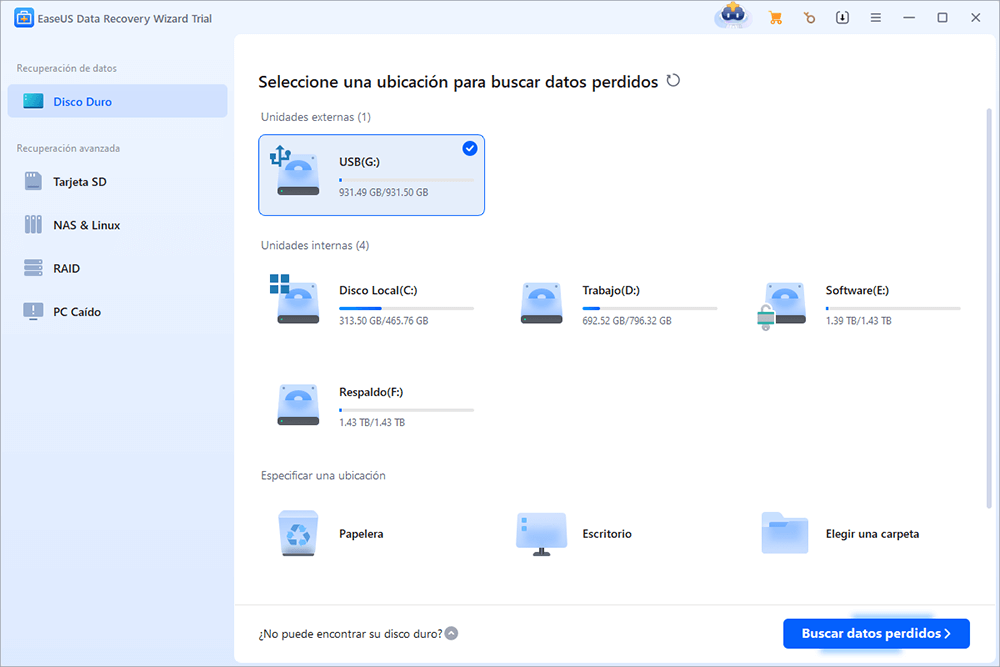
Select the location
Hard drives, SSDs, SD cards, USB sticks, NAS or formatted partitions. EaseUS detects them all.
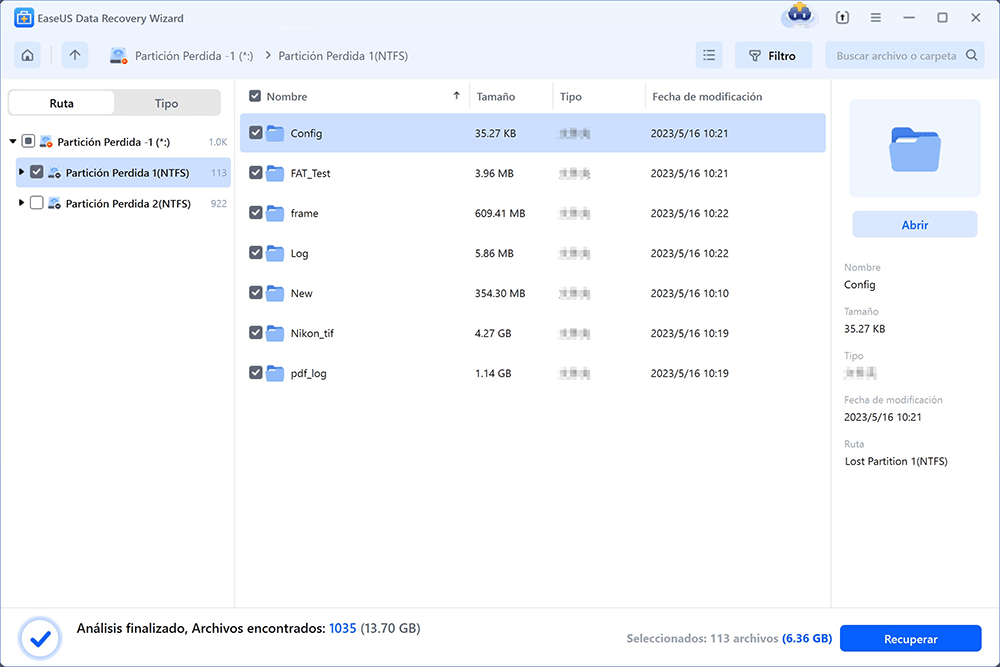
Quick and deep scan
Instant analysis of deleted files or exhaustive scan when data has been lost for a while.
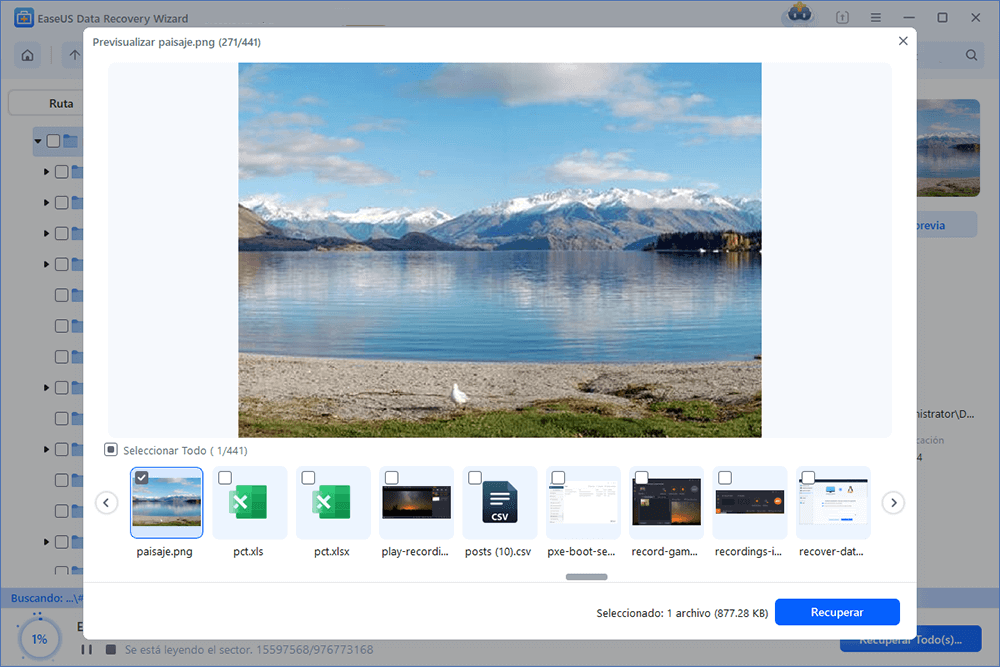
Preview before paying
Check which files are recoverable before buying the licence. No surprises.
EDITIONS
Compare and pick your edition
Three versions for three user profiles. Switch or upgrade whenever you want.
Free
- ✓Recovery up to 2 GB
- ✓HDD, SSD, USB, SD, NAS
- ✓Formatted and RAW partitions
- ×Photo and video repair
- ×Commercial multi-machine use
- ×Lifetime updates
- ✓Community support
Pro
- ✓Unlimited recovery
- ✓HDD, SSD, USB, SD, NAS
- ✓Formatted and RAW partitions
- ✓Photo and video repair
- ×Commercial multi-machine use
- ×Lifetime updates
- ✓Premium support
Technician
- ✓Unlimited recovery
- ✓HDD, SSD, USB, SD, NAS
- ✓Formatted and RAW partitions
- ✓Photo and video repair
- ✓Commercial multi-machine use
- ✓Lifetime updates
- ✓Priority premium support
LABY IN NUMBERS
Behind every recovery, 15 years of lab experience
USE CASES
When is it a good idea to try EaseUS before sending the drive to the lab?
Accidental deletion
Emptied the recycle bin by mistake? EaseUS scans the disk and locates files before the system overwrites them.
Format or lost partition
Recover data from formatted, RAW or partition-damaged drives.
Drive won't boot
Create a bootable media with EaseUS and rescue data from a machine that no longer powers on.
FAQ
Frequently asked questions
Free recovers up to 2 GB at no cost; Pro removes the size limit and adds photo/video repair.
Yes. EaseUS Data Recovery Wizard is available for Windows and Mac. The licence is system-specific.
Yes, as long as the TRIM command hasn't already overwritten the blocks. The sooner you act, the better the odds.
Pro and Technician editions support BitLocker-encrypted drives provided you have the password or recovery key.
If EaseUS can't see your files, the damage may be physical. In that case you need a professional lab like Laby — request a free diagnosis.
We've been recovering data in our lab for 15+ years. We recommend EaseUS for simple logical cases users can solve without opening the device. For everything else, we're here.
Not sure which edition to choose?
Tell us what happened and we’ll let you know whether EaseUS is enough or whether you need a lab diagnosis. No commitment.